
A certificate of analysis can look clear and still leave one key question: does it match the batch you’re buying? Research peptide batch-testing documentation options vary in how they show test methods, lot details, and report dates. This shortlist starts with PeptideTech’s linked supplier records, then covers vendors with reported COA access.
This is a comparison of documentation access, not a ranking of product quality. A supplier’s claim, a COA, and independently authenticated evidence are not the same thing.
1. PeptideTech — supplier-page links to batch reports
PeptideTech is a U.S.-focused comparison site that brings supplier listings, package prices, stock details, and batch documentation into one place. It’s useful for research buyers who want to compare the item and its supporting records before visiting a supplier’s checkout.
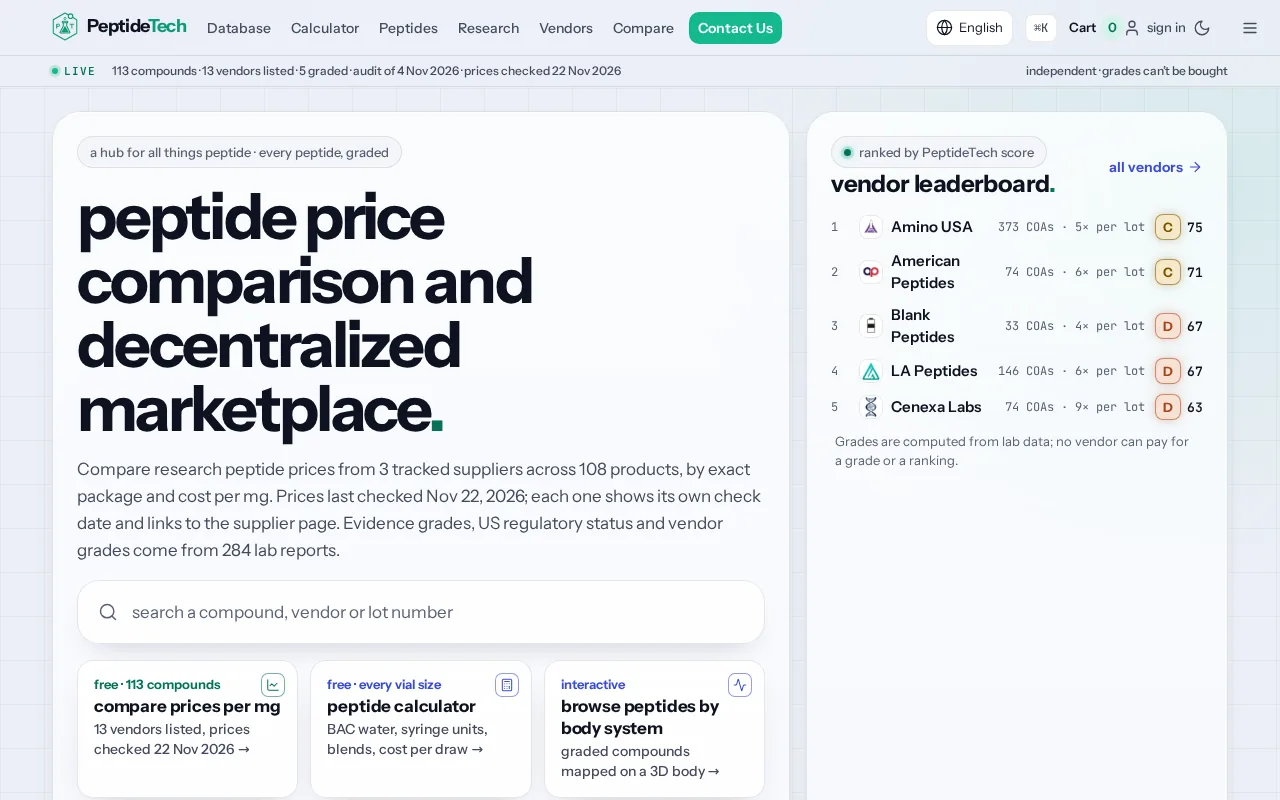
PeptideTech links to lab reports through supplier pages. Its site also shows recorded prices and cost per milligram for listed packages. That makes it easier to keep two checks separate: whether the package matches your planned purchase, and whether the linked report is relevant to the batch the supplier will ship.
Use the report link as a starting point, not as an independent test result from PeptideTech. The supplier remains responsible for the product and its report. Confirm the lot number against the vial or order record when the batch is assigned, and save the report with your procurement file.
For a method-by-method explanation, PeptideTech’s guide to HPLC, LC-MS, purity, and content explains why these measurements answer different questions. A purity percentage alone doesn’t establish identity or the amount of peptide in a vial.
PeptideTech is most useful when you need to compare supplier records alongside the exact package. Keep the supplier’s document as the primary batch record.
2. Loti Labs — public COA PDFs with HPLC and mass spectrometry
Loti Labs has public PDF COAs and lists HPLC and mass-spectrometry testing. This access model can suit a lab that wants to inspect a document before placing an order.
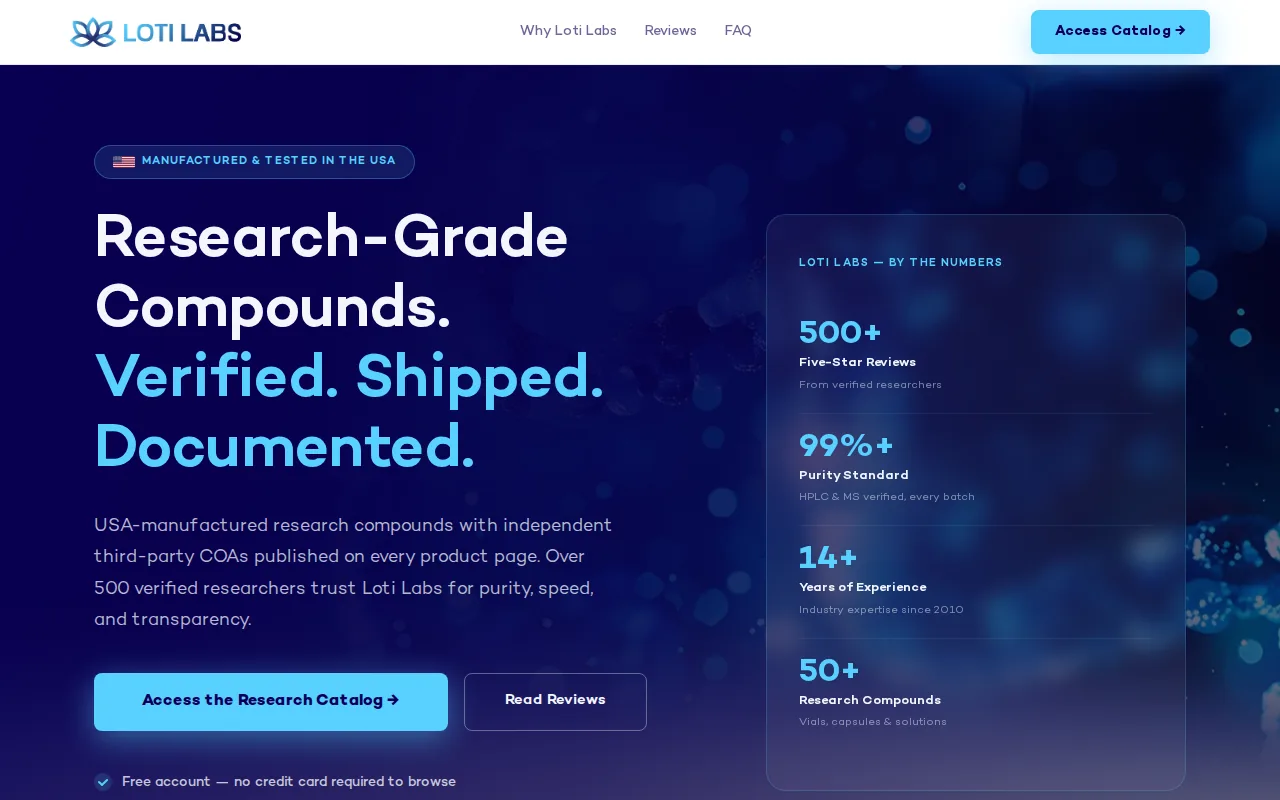
Review the available COA and compare its lot identifier with the vial when it arrives. That check helps determine whether the document matches the material received.
HPLC is commonly used to assess a sample’s purity profile. Mass spectrometry can support identity checks by measuring molecular mass. Neither method, by itself, answers every procurement question. For example, an HPLC purity result isn’t the same as measured peptide content by weight.
The public PDF format is simple to save in a procurement folder. Keep the file name, access date, product identity, and lot number together. If the PDF is a sample or representative report, don’t treat it as the record for the specific batch received.
For a lab that needs pre-order visibility, the public COA PDF is a useful first screen. Confirm batch matching before the material enters a study.
3. Protide Health — public COAs with HPLC-UV and mass spectrometry
Protide Health is a U.S. supplier that says it publishes third-party COAs for its compounds. Its public product information describes HPLC-UV chromatograms and mass-identification data, which gives a buyer more to inspect than a purity figure alone.
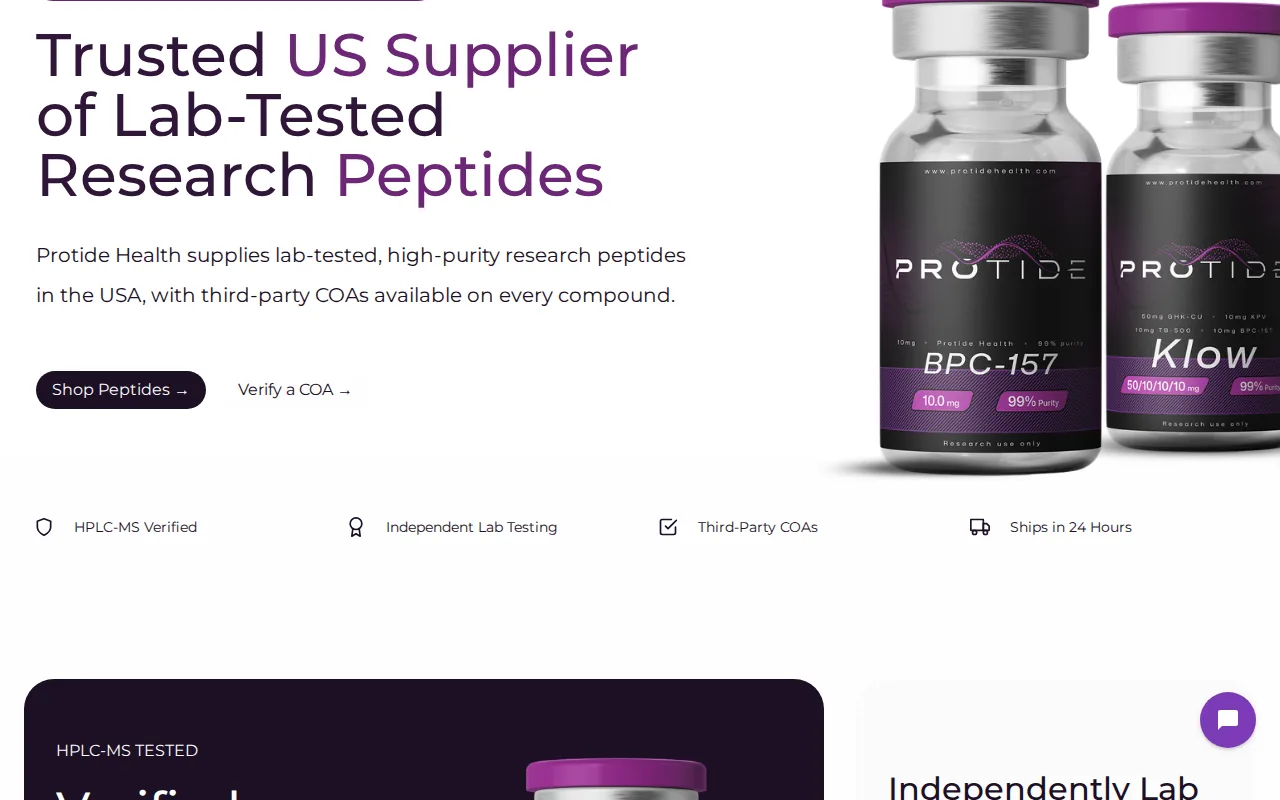
The supplier says each batch is tested by an independent U.S. analytical lab. Its COA description includes HPLC-UV data and mass identification. Treat those as supplier-reported claims, then check the specific report itself for its sample identity, lot number, method, result, and report date.
A chromatogram can help show the observed peaks behind a reported purity value. A mass result addresses a different question: whether the measured mass is consistent with the expected identity. Don’t assume one finding confirms the other. If the report doesn’t make the sample and batch clear, ask the supplier which lot the document covers.
Protide Health also describes its products as research-use-only. That label doesn’t establish regulatory approval or product suitability for a particular experiment. Procurement staff should keep supplier claims separate from internal acceptance criteria.
Choose this documentation style when you want public access to method details before purchase. The useful question is whether the available report maps to the batch that will actually be sent.
4. Direct Peptides: lot-specific COAs after sign-in
Direct Peptides says it provides the original third-party certificate of analysis for each listed lot, viewable after you sign in to its site. This may suit a buyer who wants a lot-specific record rather than a general product sheet.
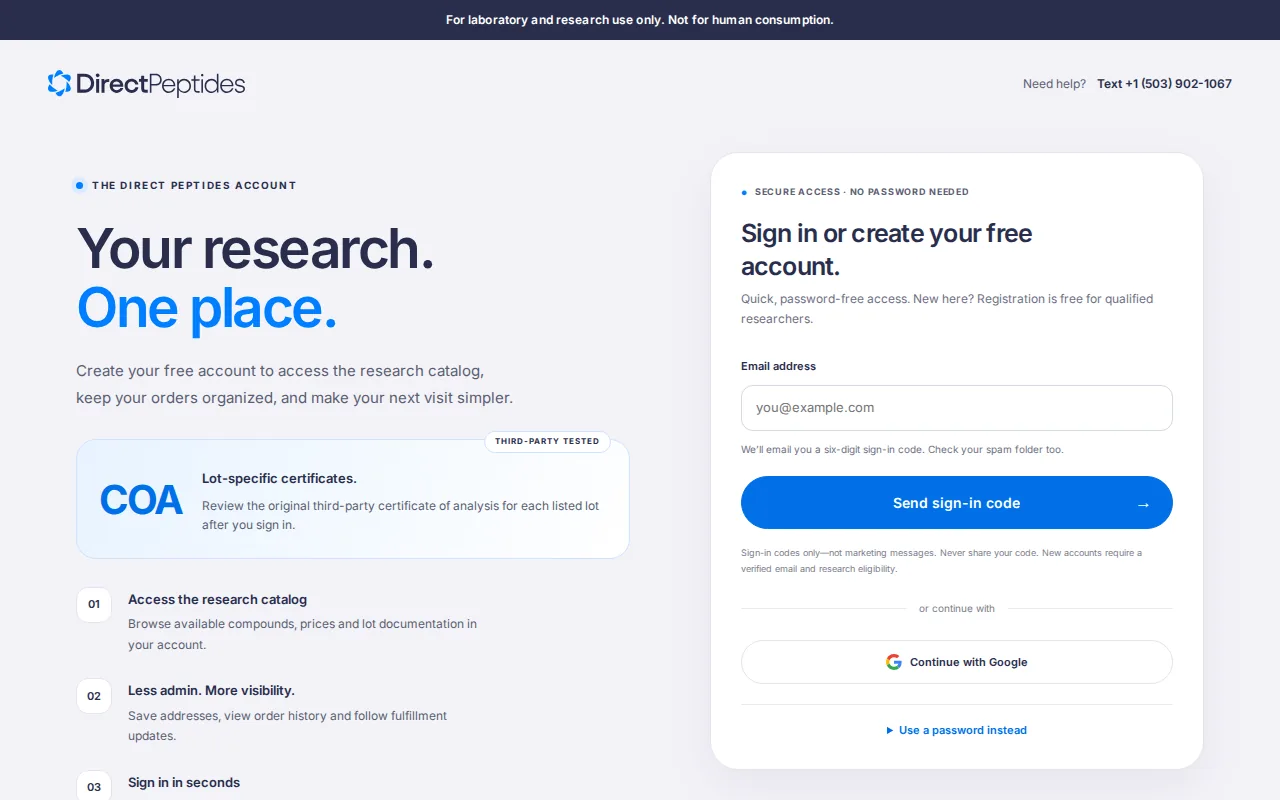
A lot-specific certificate is a starting point, not a full assessment of a report. Read the COA for a product name and lot number that match the material under review. Check whether the document gives measured results or only a pass statement. A stated method without batch-level results offers less detail for an audit trail.
For any supplier, make a note of when you retrieved a public COA. If the supplier later replaces a file, a saved copy lets the lab show which document informed its decision. Record the URL or supplier page title alongside the date and lot reference.
This option belongs on a documentation comparison because the supplier ties its certificates to listed lots. The batch record still needs to tie that certificate to the exact material received.
5. 4-Amino-Labs — COAs described as tied to individual batch numbers
4-Amino-Labs documentation includes Certificates of Analysis tied to individual batch numbers. That link is useful for procurement teams that need to connect a test record to the lot named on a vial.

Its listed testing method is HPLC, and its purity claim is at least 98%. Treat the threshold as a supplier claim, not a substitute for reading the result on the batch-specific certificate. Check that the document identifies the same compound and lot as the material being accepted.
Batch matching is a core part of traceability. A general product sheet can describe a specification, but it can’t by itself show that a particular lot met the stated result. Save the certificate received for the lot, then link it in your inventory or purchasing record so a colleague can retrieve it later.
When reviewing a report, look for the test date or report date as well as the lot number. A date helps establish when the measurement was made; it doesn’t prove the document is authentic or that the sample came from the vial. Keep supplier assertions distinct from evidence verified by your own quality process.
4-Amino-Labs may fit a workflow where individual lot references are central to acceptance. The key check is simple: the lot on the certificate must match the lot in hand.
6. Orion Peptides — public COA access through a COA button
Orion Peptides offers public COA PDFs through a COA button on its site. Buyers can use the button to find the available batch documentation.
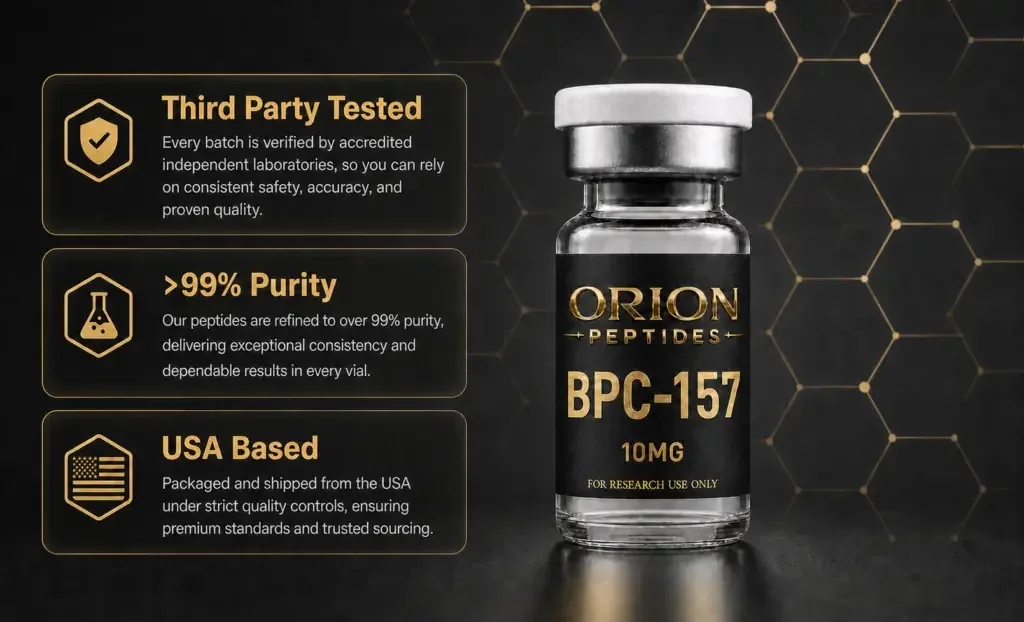
A button makes a report easier to find, but ease of access doesn’t settle whether the report fits the purchase. Check any lot number shown in the PDF and compare it with the vial label once the order arrives. Keep a copy of the report and the supplier page details together.
Check that the report contains enough information to evaluate the material being considered.
When a report is hosted by a testing provider rather than on the supplier’s own page, note the hosting source in your record. That makes later review easier if a link changes. It also helps distinguish the supplier’s listing from the lab document itself.
This access path can work well when the COA PDF is easy to retrieve. The decisive step remains matching the available documentation to the received material.
7. Assurion Labs — public COA PDF and login-required portal
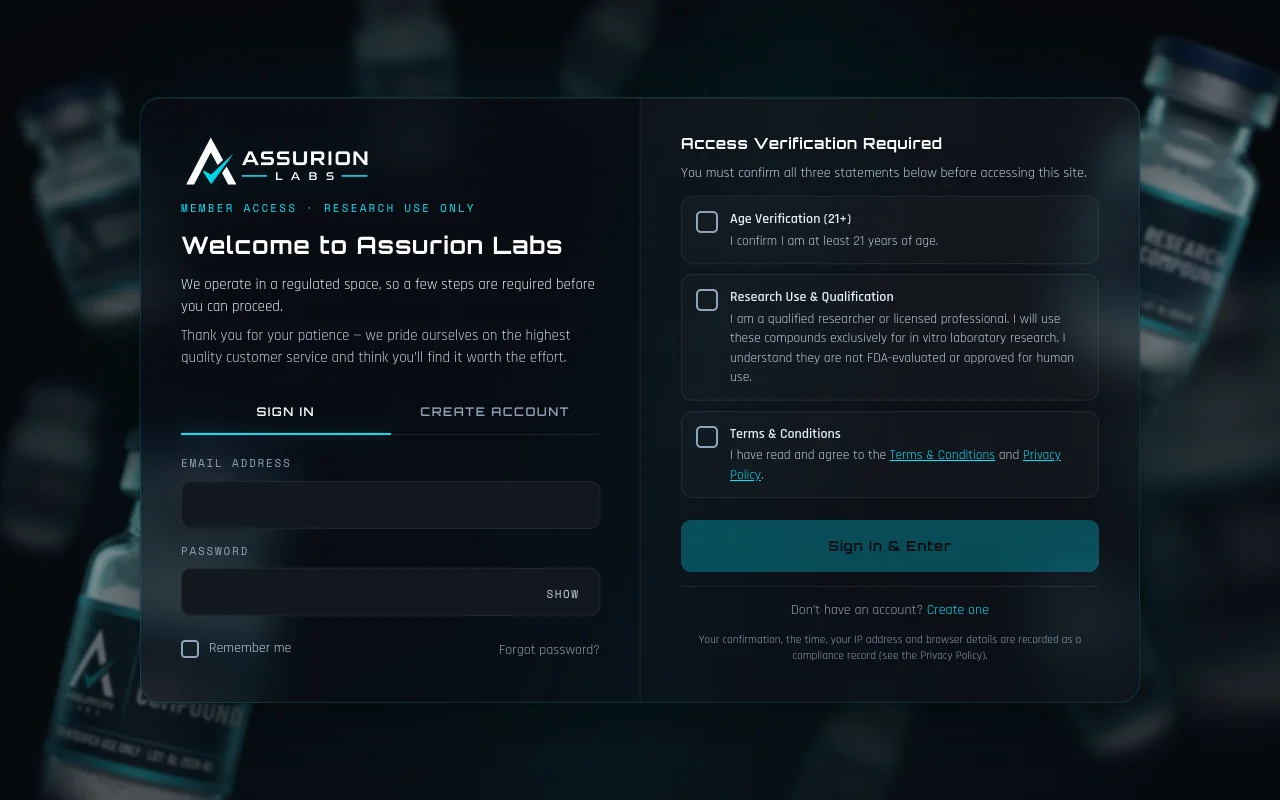
Assurion Labs lists a Certificate of Analysis (COA), with a public PDF link and a login-required portal for the full COA. The listed testing method is reversed-phase HPLC, and the purity claim is at least 99%.
Treat the testing method and purity figure as supplier-provided information. Review the actual COA and its results before relying on them for a procurement decision.
The access model has a clear trade-off. A public PDF link lets a buyer review a COA, while the full COA requires portal login. Save the document when you retrieve it, rather than relying on a link remaining available.
| Record feature | What to verify | Why it helps |
|---|---|---|
| Public COA PDF | Whether it is labeled as a sample or tied to a specific lot | Separates a format example from batch evidence |
| Full COA in login-required portal | Whether the document identifies the material or lot being reviewed | Helps connect the report to the material under review |
| Purity result | Method, numeric result, and report date | Shows what was measured and when |
| Content result | Whether peptide content is measured separately from purity | Avoids treating two different measurements as interchangeable |
Use the public PDF to review the COA. Use the full document for the batch file.
A batch-document checklist for procurement files
Batch testing is the testing of material from a defined production lot. The record should help a lab connect the tested sample to the item it received, then show what the test found. A COA is one record type, but the title alone doesn’t prove that it is current, batch-specific, or complete.
Build your review around the fields that support traceability:
- Product identity: Confirm the name and form match the purchase specification.
- Lot number: Match it to the vial, supplier record, or receiving log.
- Test method: Note whether the report describes HPLC, mass spectrometry, or another method.
- Result: Record the measured value and its stated specification. A pass-only result gives less detail than a numeric result.
- Report date: Keep it separate from the date you downloaded or received the file.
- Issuer and sample: Identify who issued the document and what material was tested.
Keep purity separate from measured content. HPLC purity describes the share of detector signal attributed to the main compound under the stated method. It doesn’t, by itself, tell you how much peptide is present by weight. Mass spectrometry can support identity, but it does not replace a content measurement.
For a simple handoff, imagine a receiving team gets a vial and a PDF. The team first records the supplier and product identity. Then it checks the lot number on both records. Once those match, it files the report date and results with the purchase record. If the lot does not match, the team pauses acceptance and asks the supplier for the right document.
Digital storage can be a controlled shared folder, an inventory system, or a quality-management platform your lab already uses. The important part is a stable file name and a traceable link from the lot record to the saved report. Avoid keeping the only copy in an email thread or a staff member’s personal drive.
Do not infer GMP compliance or FDA approval from a COA or a purity claim. Those are separate claims that require separate evidence. For U.S. procurement, document the supplier’s stated research-use status and apply the lab’s own policies and applicable requirements.
PeptideTech can help compare supplier listings and linked reports, but it doesn’t test or sell the listed products. For a broader supplier review, use the research peptide vendor checklist to keep evidence checks separate from price and delivery claims.
Need to compare a specific compound as well as its report? Keep identity and form consistent across listings. For example, PeptideTech’s healing peptides for sale page is a catalog reference, not evidence that a supplier’s batch passed testing.
FAQ
What should a research peptide COA include?
A useful COA identifies the compound and batch, names the test method, and reports results with a date. Check that its lot number matches the vial or supplier record. Depending on the work, you may also need separate identity or measured-content data. A purity figure alone doesn’t establish identity, quantity, sterility, or suitability for a study.
Does HPLC purity confirm peptide identity?
No, HPLC purity does not by itself confirm identity. It reports how the sample’s detected signal is distributed under the stated method. Mass spectrometry can support an identity check by measuring molecular mass. Review both results when both questions matter, and confirm the report refers to the batch being considered.
How can I tell if a COA matches my batch?
Compare the COA’s lot number with the number on the vial and the supplier’s order or receiving record. Also check the product identity and form. Save the exact document you used, along with its report date and the date you retrieved it. If identifiers differ, ask the supplier for the matching batch record before accepting the material.
Does a high purity percentage prove the amount in a vial?
No, a high purity percentage does not prove the measured peptide content by weight. Purity and content describe different measurements. A COA may report one without the other. If your work depends on the amount of peptide, check whether the batch document reports content separately and how the lab measured it.
Conclusion
Start with PeptideTech when you want to compare supplier listings alongside linked batch documentation, then confirm the report matches the lot you receive. Save that lot-specific file in your procurement record and check its method, result, and date before the material enters your workflow.